I Didn’t Want to Splurge on the “Brick” to Slash My Screen Time — This $9 Solve Is the Next Best Thing
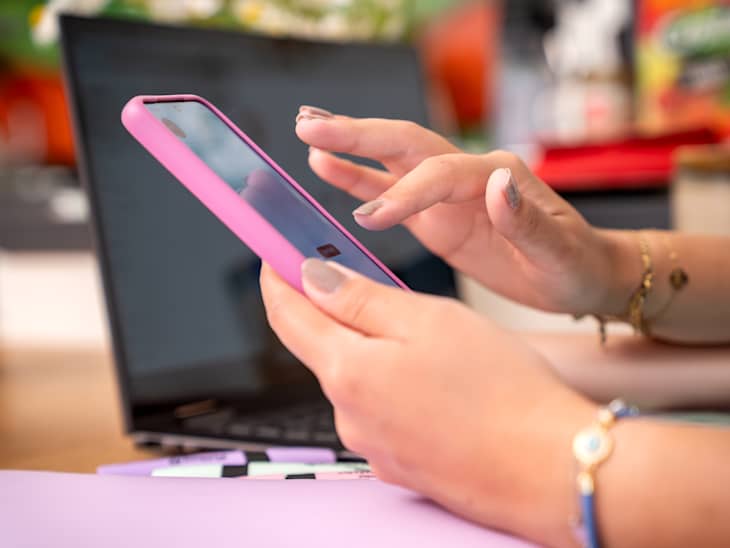
One of my 2026 New Year’s resolutions is to not waste so much time on my phone every day. Usually, I’m just clicking back and forth between TikTok, Instagram, and even X (formerly known as Twitter). I don’t want to delete my social media accounts entirely, but I do really want to cut down on the amount of time I spend meaninglessly doomscrolling.
Sure, you can set time restrictions on your iPhone, but they’re easily bypassable. I can’t trust myself with the “you’ve reached your screen-time limit” alert any more than I can trust myself with a snooze button. That’s why, when I saw a TikTok video about a cheap DIY alternative to the Brick device and app I keep hearing so much about, I was so interested.
What Is the Brick Phone Lock Device?
I remember being first introduced to The Brick by one of my favorite influencers, Jaci Marie Smith. She frequently posts about how dedicated she is to “bricking her phone,” or blocking use of her social media apps, as much as possible.
This gadget fascinated me, so I looked it up. The Brick is a small, magnetic, physical device that temporarily prevents you from using certain apps and hides their notifications. Once you “brick” your apps, the only way to get back on them is to physically tap your phone to your Brick to activate them.
Since it’s magnetic, many people stick it to their fridge. That way, you can leave your Brick at home when you go out to prevent phone distractions and allow you to actually be present. I definitely could use this in my life! The only downside is that The Brick costs $59, which is a little pricey on my college student budget.
How to Make Your Own DIY Brick to Cut Down Screentime
Since I’m interested in the perks of something like The Brick but not as much the price tag, I was so excited to see this TikTok video (yes, I see the irony!) from user Hannah Adele (@hannahadeleshome), where she shows how she made her own DIY version for much less. The best part? It’s an adorable craft.
In her video, she explains how she uses the Foqos app and connects it to an NFC tag so that when she taps her phone to the tag, it automatically blocks certain apps. The Foqos app works similarly to The Brick device, Bloom card, or Blok Card, blocking certain apps based on your screen time, except Foqos has the bonus of being free! You can connect it to either an NFC tag or a QR code that you print out (rather than a plastic or stainless steel device, like the other options on the market, which you have to pay for). An NFC tag is a tiny microchip sticker you can program to do certain things, like connect to WiFi, turn on a Smart Bulb, or, in this case, engage a certain app.

You can buy a pack of 20 NFC tags on Amazon for $8.99. You only need one for this DIY, but you can use the others to automate other things around your room or apartment, or share them with your friends! Ready to make your own social media app-blocking device and make good on your get-off-your-phone New Year’s goals? Here’s exactly how to craft your own DIY Brick:
1. Buy an NFC tag (or create and print out a QR code).
2. Personalize your NFC tag (or printed out QR code) with colored felt like Hannah did, to turn hers into a “brain rot portal,” or use other craft supplies like paper and markers to design your own.
3. Download the Foqos app (it’s free, and doesn’t share your data with third parties or store it on a cloud.).

4. Inside the app, either choose certain times to block your phone’s access or certain apps OR you can manually turn on the blocking feature when you’re ready to get off social media.
5. Though you can turn on the blocking feature from your phone in the Foqos app, to turn it off using an NFC tag or QR code (and get back on social media), you need to bring your phone near the NFC tag or code, just like with The Brick.
6. Prepare to stay more focused, in the present and seriously cut down your screen time!